Categories: Tools
Hats - Workspaces and Teams v1.1.0 - Free Download
Description
🔗 Documentation | Discord | Unity Forums | Support
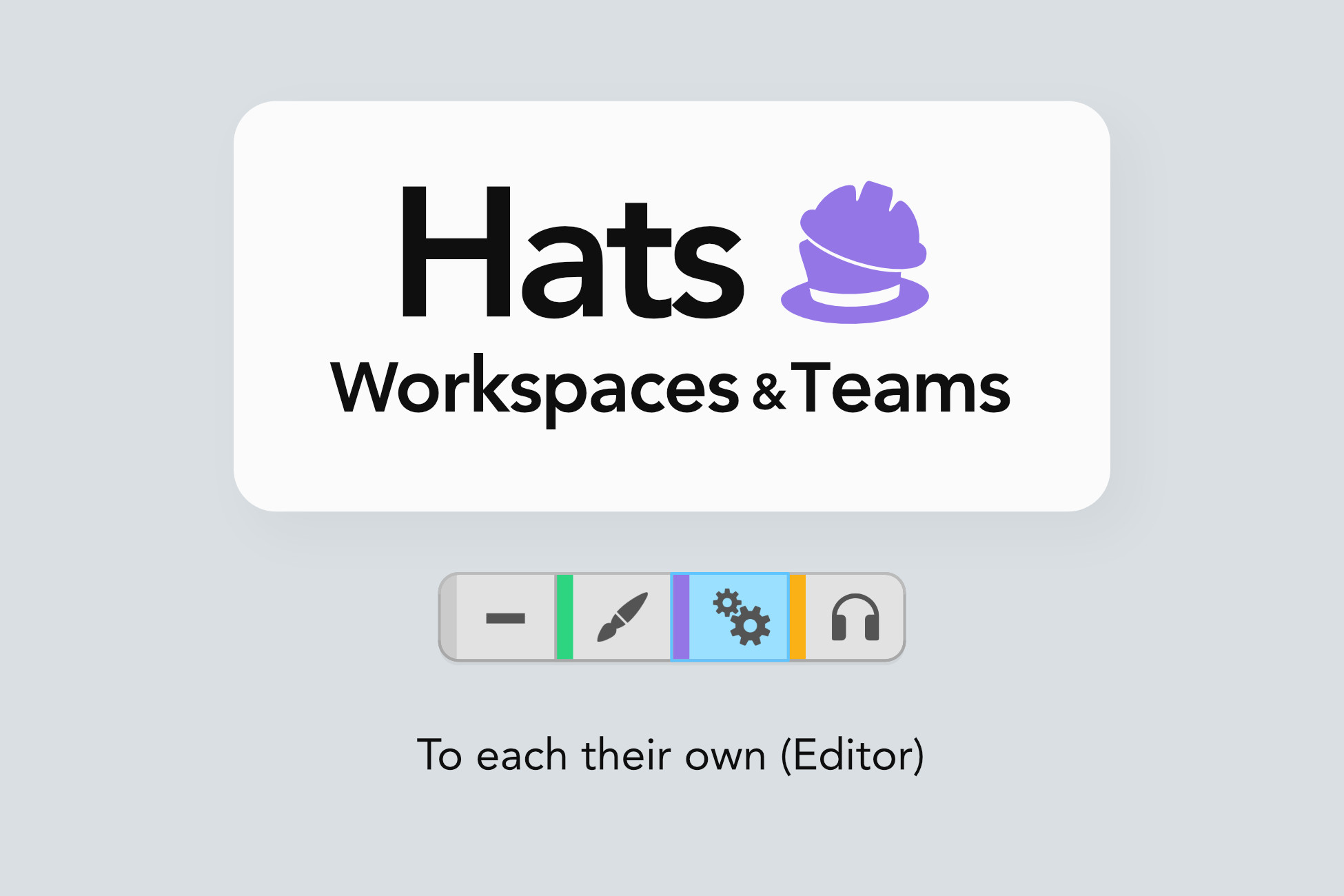
Hats enables the concept of workspaces in Unity.
⛑️ Workspaces
Workspaces are a bit similar to layouts – but way more powerful!
By switching workspaces, the Editor can be made to load a specialised layout, open one or more scenes, hide or lock objects in the open scene, hide specific components, and more. Third-party tools can be made to work differently. And you can create custom behaviour as a result of a workspace switch.
You can switch to a workspace at any moment to customise the appearance or the behaviour of the Editor according to the task you are performing.
👉🏻 For instance:
One could have workspaces for Level Design, Cinematics, Testing...
- When the Level Design workspace becomes active, it loads the main game scene and hides some components.
- When the Testing workspace is activated, it loads the Initialisation scene, so the developer can immediately enter Play Mode and test the game from the main menu.
- When Cinematics loads, it opens the main scene
Hats can make the Unity Editor more streamlined, so you get focus – whichever hat you're wearing at the moment 🎩
But that's not all...
👫 Teams
In addition to workspaces, Teams can be used to group Editor users, using their Unity ID (i.e. their email). If a user is signed in and their email is listed as a user of a Hats Team, they are part of that Team, and that Team's workspace becomes enabled for them. This happens as soon as the Editor is launched.
This allows to auto-enable a workspace for users of a certain team.
👷🏼♂️ Build your own Hats-powered tools
In addition to the built-in functionalities, Hats provides a host of public API to query the current state of workspaces and Teams. This allows you to create smart tools that provide a tailored experienced to their users.
🈶️ CJK languages support
Hats supports CJK languages for team and workspace names.
该工具支持中文。
このツールは日本語をサポートしています。
이 도구는 한국어를 지원합니다.
📘 Documentation
If you want to learn more before getting Hats, you can browse the documentation website.
💰 Save some money
Hats is part of our All Editor Tools bundle. By getting that, you effectively get Hats at 25% off. If instead you already purchased Hats, you get a discount on the bundle.