Categories: VFX
Anime Shading Plus v1.3 - Free Download
Description
➤ Links
Document(English) | Document(Chinese) | Document(日本語)
🔥 Why Anime Shading Plus 🔥
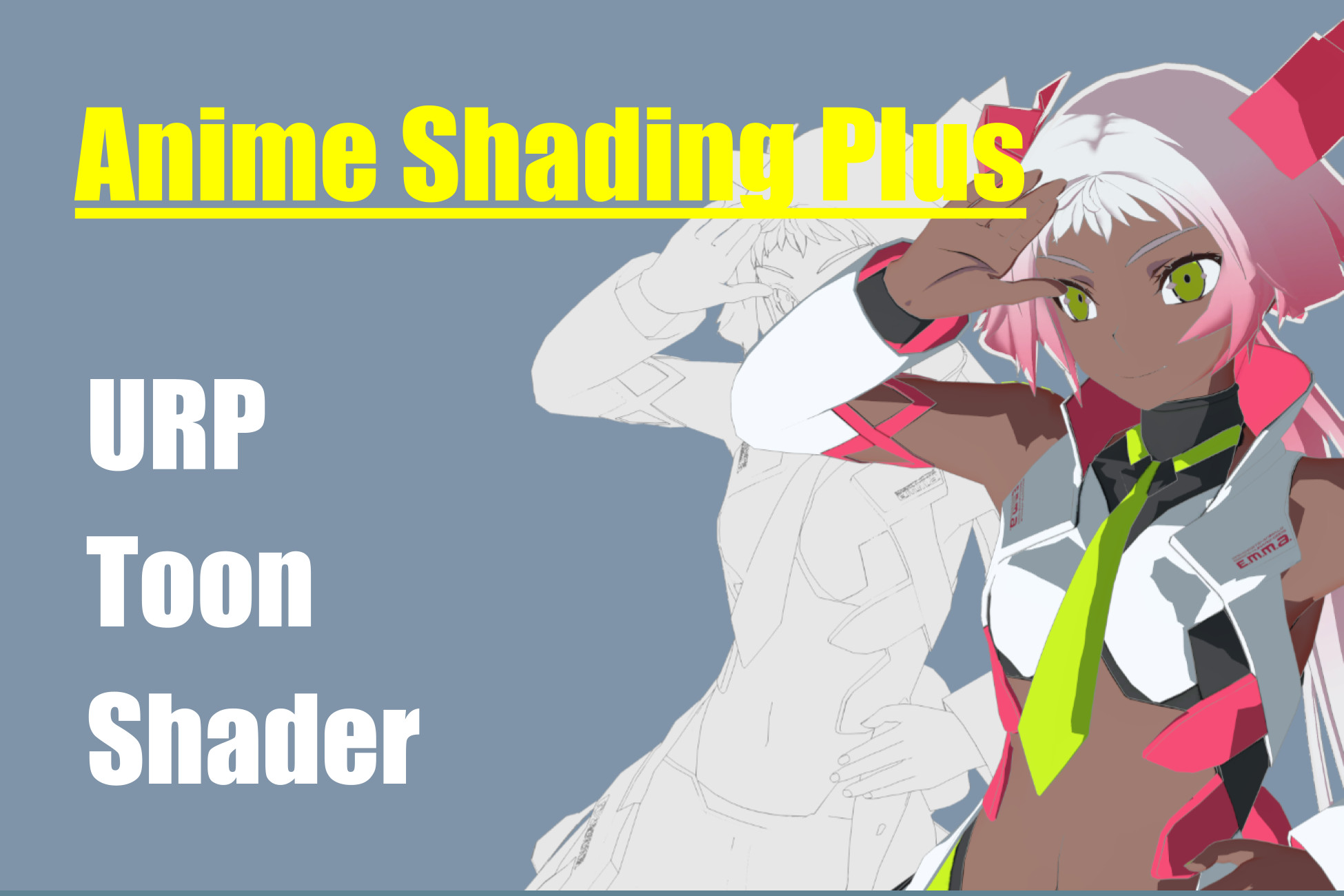
This plugin gives user high quality anime style toon shading by implement following features so user don't have to spent time on writing custom lighting logic/pass in URP for anime character.
1️⃣ Shader dedicated to rendering JRPG-like, anime-style characters
2️⃣ ShadowMap specially drawn for cel-shaded characters or cube based self-shadow remover.
3️⃣ Customizable screen space outline and Mesh-based outline for characters
4️⃣ Post-processing effects for anime-style characters (e.g. Tonemapping)
5️⃣ Handle the lighting effect properly from additional light sources and ambient lighting (indirect light sources) for cel-shaded characters.
6️⃣ Option to mix standard PBR lighting and toon shading.
7️⃣ Additional tools to improve workflow such as face shadow map baking tool and smoothed normal baking tool for mesh-based outline.
7️⃣ Additional tools to improve workflow such as face shadow map baking tool and smoothed normal baking tool for mesh-based outline.
8️⃣ Fully render graph API support for Unity 6.
⚠️ Before You Buy ⚠️
Please read the Environment and Limitations page of the document carefully before you buy this plugin.
🎯 Target Users 🎯
- This plugin is designed for developers who need to render anime characters in Unity. It is recommended that users have the ability to independently operate third-party DCC such as adjust the vertex color or UV of the model.
- Studios/teams that need this type of Shader (or use it as a base for their own needs) for 3D character projects with a target style of Japanese cartoon rendering.
- Developers who want to learn how to write Custom Shaders/Passes in Unity's URP pipeline.
🖥️ Target Platform 🖥️
- PC/Mac/iOS are the primary target platforms. This plugin has not been optimized for Android/Low-end devices (It is theoretically possible. please see the performane page in the document for details).
- VR/XR is not yet supported because I have not done any testing on Stereo Rendering/Foveat Rendering. Future updates may add support for VR.
- Consoles (PS5/PS4/Xbox/Switch) have not been tested. If you want to use the provided shader/script on console, make sure you have the resource to resolve potential issue.
📖 Documentation 📖
ASP provides a comprehensive document about shader parameters, environment setup, limitations / performance tips and tutorials/examples to hep user create great-looking anime characters.
🎞️ Video Tutorials 🎞️
This Playlist contains a list of video about how to setup ASP/Use the shade, for more detail info you should check out the user document.
➤ First Thing To Do After You Buy
Please follow the Instructions and Usage Examples in the document(specially the first 4 pages) to install and setup the script/asset/shader properly.
➤ Full feature list
⚙️ Editor ⚙️
- Custom Shader GUI (Based on LWGUI)
- Custom Inspector GUI for per-character parameter setup
- Normal smoothing tool for mesh-based outline
- SDF-based face shadow map baking tool.🌟 Character Shader 🌟
- Able to choose 3 rendering styles : CelShading, StylizedPBR & Face
- Dithering to perform pesudo transparency
- Perspective FOV adjustment
- Cel shading with Ramp Texture
- Extra Ramp Texture Layer for Subsurface Scattering Effect
- Provide 3 kinds of received shadaow's coloring behavour
- Flatten received global illumination lighting
- Flatten received additional lighting
- Specular highlight & additional falloff color
- Stylized BRDF specular highlight
- Rim Lighting
- Depth-based Rim lighting
- Separated Hair Highlight map
- Matcap for additional custom reflection
- Able to toggle whether to received shadow from different shadow map
- Mesh-Based, per-character outline (Inverted-hull method)👁️ Eye Shader 👁️
- Parallax mapping for pupil
- MatCap reflection map
- Separated Highlight map
- Option to flatten lighting for anime style eye ball🏁 PostEffect Shader 🏁
- Custom Screen Space Outline
- ToneMapping
- (Experiment)Back porting Unity 2023's screen space lens flare so it works in Unity2021/2022 project
📌Third-party software licensing included in the package (for demo purpose)📌
---Models---
*** 早川 葵(Hayakawa Aoi) ***
copyright : custom license
*** Unity-chan / Unity-chan-Akaza / Unity-chan-SSU ***
copyright : custom license
*** classroom ***
copyright : CC0
---Scripts---
*** Unity Chan Spring Bone library ***
copyright : MIT
see Third-Party Notices.txt file in package for details.