Categories: Tools
Character Switcher | Game Creator 2 v1.0.9 - Free Download
Description
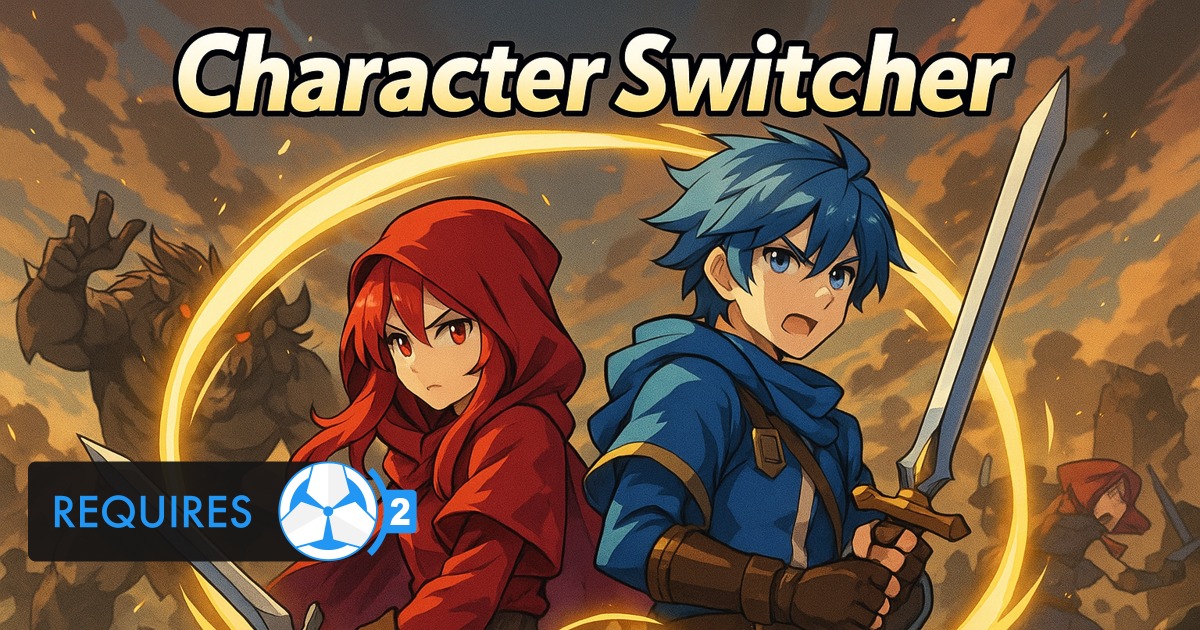
🚀 Character Switcher – Instant Party Swaps for Game Creator 2 🎮
Super-charge your GC2 project with lightning-fast, Genshin-style character swapping that just works. Character Switcher blows past GC2’s stock Change Model instruction, giving you rock-solid runtime swaps, full combat/state sync, and one-click Crystal Save save-game support—all inside a single drop-in component.
>> First Steps Tutorial on Youtube
✨ Why you’ll love it
- ⚔️ Seamless in-combat switching – Current velocity, combo state, combat target and even equipped melee weapon move with the new avatar, so combos never break and enemies stay locked-on.
- 🛡️Shooter/Melee Equipment Synchronization – Synchronizes shooter/melee weapons across all characters, preventing mismatches and ensuring consistent weapon states during rapid switches.
- 🕶️ Smart visibility & physics control – Off-screen characters hop to a hidden layer, disable colliders/rigidbodies and follow at a tidy offset to save perf.
- 🔔 Fully event-driven – Hook into OnCharacterIndexChanged, onCharacterSelected, onCharacterDeselected, landing/jump callbacks and more to drive VFX, UI or custom logic.
- 💾 Crystal Save ready – Tick one box and Character Switcher auto-writes active/inactive states to MemoryPack saves—no extra visual-scripting required.
- 🧭 Singleton convenience – A persistent CharacterSwitcher.Instance gives any script instant access to the active player, previous player, or the full roster.
- 🎮 Input-agnostic – Map any Unity Input System action (keyboard, gamepad, touch) to direct-slot, next/previous or radial selection straight out of the box.🏆 Feature highlights
- 🎯 Combat-target sync — primary GC2 target transfers automatically so combo finishers still land.
- 🗡️ Per-character weapon slots — assign default weapons in the Inspector or swap them at runtime.
- 🔄 Hot-swap API — AddCharacter, RemoveCharacter, ReplaceCharacter, ReplaceWeaponAt, etc., let designers edit the party live.
- 🌍 Ground / air offsets — keep off-screen heroes neatly stacked on the ground or bobbing beside a flying main character.🚀 Quick-start
- Add the component to any empty GameObject (or drop the prefab from the sample scene).
- Drag your character prefabs into the list and assign their default melee weapons.
- Bind your input actions (or use the demo map).
- Hit Play – swap heroes mid-combo, mid-air, even while saving—zero extra setup.📋 Requirements & compatibility
- Game Creator 2
- Unity 6 LTS or newer – Mono & IL2CPP, Editor & standalone builds.
- Works with Built-in, URP, HDRP (no RP-specific code).
- Optional: Crystal Save v1.5 + for cloud/local save integration (addon included).
- Plays nice with GC2 Stats, Melee, Inventory, Shooter, Dialogue, Quests and more—no code tweaks.📦 Package contents
- Runtime & editor scripts
- Input System sample actions.
- Step-by-step PDF manual + quick-start scene.
- Full C# sourceBring party-swap fluency to your indie production—no visual-scripting spaghetti, no broken weapons, just pure gameplay flow. Grab Character Switcher today and let your players change heroes without changing pace! 🎉