Categories: ToolsUI
Graphics Control - Plug & Play Graphics Settings Menu and Options UI v1.1.2 - Free Download
Description
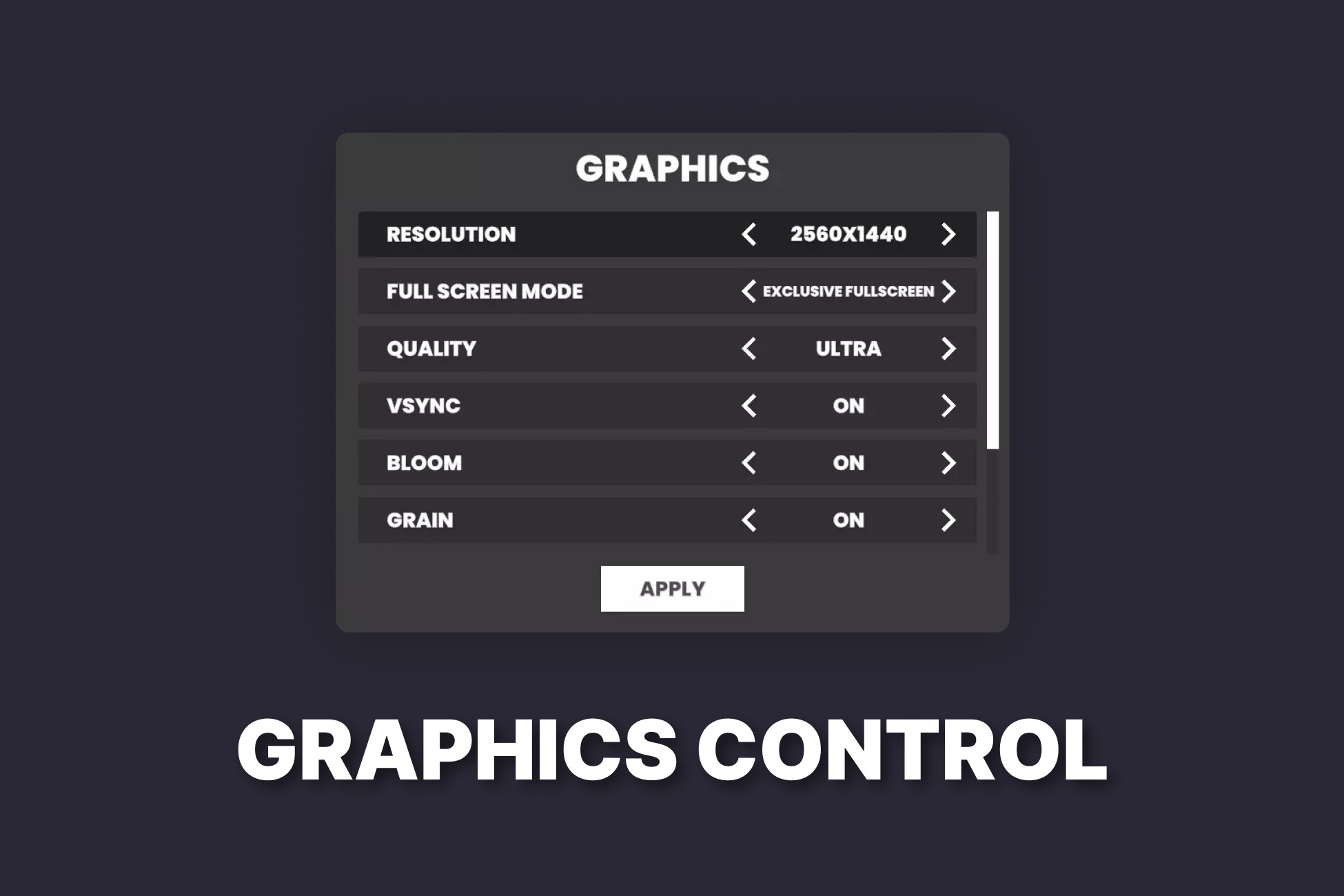
Graphics Control is a plug-and-play graphics settings menu designed to save you time and streamline your game's development. Whether you're building a PC game, console port, or multi-platform title, Graphics Control gives you a fully functional, customizable graphics options UI out of the box - no coding or setup required to get started.
With support for resolution, fullscreen, VSync, bloom, grain, ambient occlusion, and more built-in, you can drop it into your project and be up and running in minutes. It also automatically saves and restores your players’ settings on game startup.
When you need more control, Graphics Control is modular and highly extendable. With a few lines of code you can define your own graphics settings, customize how settings are applied using Graphics Settings Appliers, and even integrate with your own save system through custom storage components.
Features
- ✅ Ready-to-use Graphics Settings MenuA complete, customizable UI panel with full gamepad and keyboard navigation support.
- ⚙️ No Setup RequiredWorks out of the box - no initialization or coding needed to use the built-in settings.
- 💾 Automatic Save SystemUser settings are saved and restored automatically on game launch.
- 🧩 Modular and Extendable ArchitectureWant more? Easily write your own custom settings and integrations using C#.
- 📚 Online Documentation and SupportOnline Documentation with examples to help you get started fast - including how to write your own settings.