Categories: ToolsAI
Color Studio __8211_ - Color Studio v5.0 (10 Sep 2024) - VIP.zip - Free Download
Description
Color Studio 10 is here!
Major improvements, new workflows and features.
Check it out: https://assetstore.unity.com/packages/slug/359980
----
** Note: this version of Color Studio is now deprecated. You can continue using it but won't receive more updates. Upgrade to Color Studio 10 now for just $9 to get lastest features.
Color Studio is a powerful editor extension that lets you:
a) Create appealing color palettes using a variety of tools integrated in an easy to use editor window,
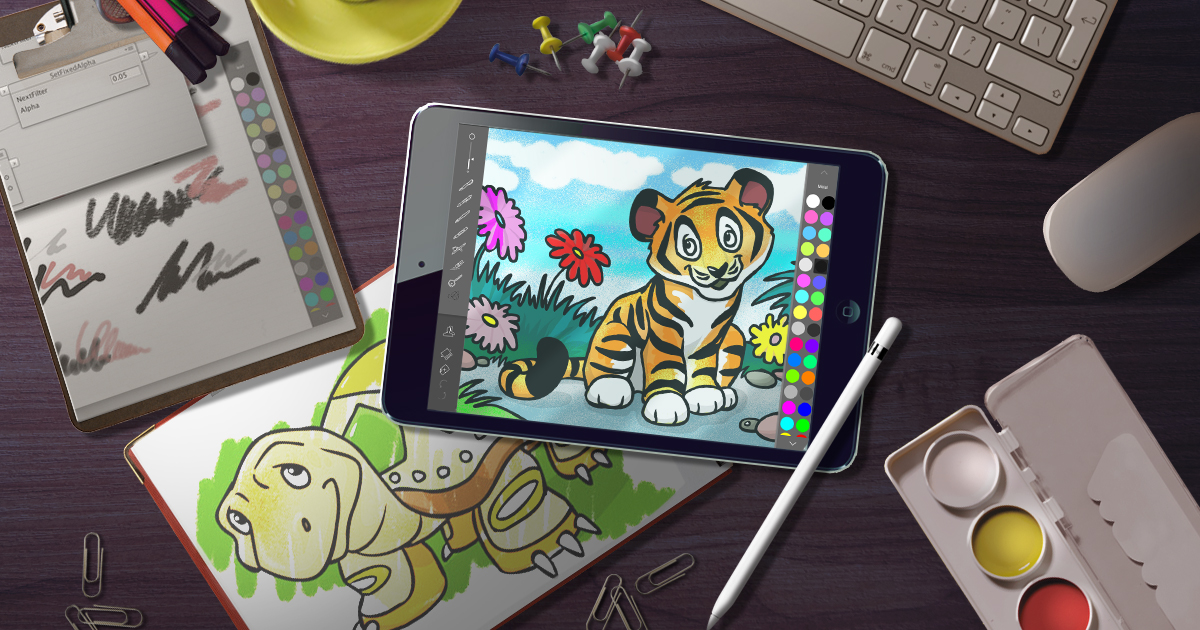
b) Create or edit textures and sprites right into the Editor using a powerful Pixel Painter window,
c) Recolor any gameobject, including skinned objects and sprites, in editor and runtime.
d) Voxelize textures: create 3D gameobjects from a sprite texture.
With Color Studio you can leverage color theory to create procedural color combinations that look nicely together.
Texture & Sprite Authoring
• Create or edit textures and sprites using an integrated Pixel Art Painter window.
• Includes different brushes, widths and shapes.
• Advanced brushes like darken, lighten, vivid, dry, tone noise, gradient, ....
• Rotate, displace, flip or resize the drawing canvas.
• Mirror drawing support.
• Seamless mode preview.
• Zoom & panning support.
• Designed for productivity and ease of use, including full undo/redo support.
Texture Voxelization
• Voxelize/export textures as gameobjects from the Pixel Painter window.
• The algorithm uses optimizations to reduce vertex count of the resulting mesh.
Palette Creation & Management Features:
• Automates color swatch generation based on different algorithms, shade and hue count. Use the interactive color wheel to visualize your results in realtime.
• Generate gradients and color combinations including complementary, triadic/square, accented analogous, etc.
• Can customize palette by adding/removing custom colors.
• Customize saturation, brightness and overall color temperature.
• Load/save color palettes as ScriptableObject. Manage all palettes in your project from a single view.
• Generate C# code with color values as an array.
• Import ASE palettes (Adobe Swatch Exchange format).
• Includes 10 sample palettes.
Editor Extension:
• Your palettes remain visible in a convenient Editor Window.
• Includes a compact view which only shows the current palette. Useful with Unity color picker as you have always your preferred palettes/colors at hand.
Dynamic Color Transformation Tool:
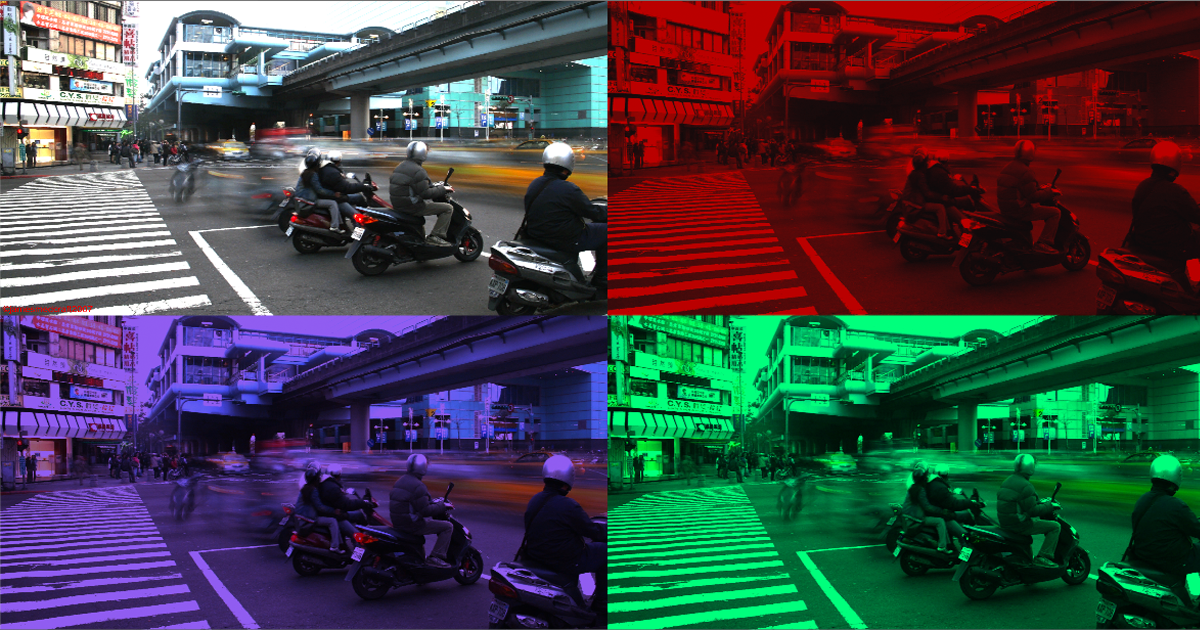
• Generate LUT from any palette and use it with assets like Beautify to quickly color the entire scene according to the palette.
• Choose a gameobject to show its main color/texture and the suggested color/transformed texture based on the current palette. Export the suggested texture with a click.
• Recolor gameobjects and sprites at runtime: add the "Recolor" script to a gameobject or sprite to change its colors (material, texture or vertex colors) automatically based on any palette in realtime.
• Can specify per-color operations (preserve original or replace with custom color).
• Can apply LUT or color grading options to individual gameobjects or sprites.
Render Pipeline Compatibility:
Color Studio works with all render pipelines (built-in/URP/HDRP/Custom).
Color Studio is 50% OFF for all customers of Voxel Play 3.
Check out our other assets | Support | kronnect.com