Categories: ToolsUI
Compass Navigator Pro 2 __8211_ - Compass Navigator Pro 2 v1.9 - VIP.zip - Free Download
Description
*** COMPASS NAVIGATOR PRO 3 NOW AVAILABLE ***
CLICK HERE FOR DETAILS
Compass Navigator Pro 2 is no longer maintained. You can still use it in your projects but this version won't receive new updates. For new updates and features, you can upgrade to Compass Navigator Pro 3 for just $15.
-----
Compass Navigator Pro 2 is a complete and powerful UI system commonly used in adventure, RPG and world exploration games to show destinations and points or areas of interest (POIs) as well as text indications.
Includes:
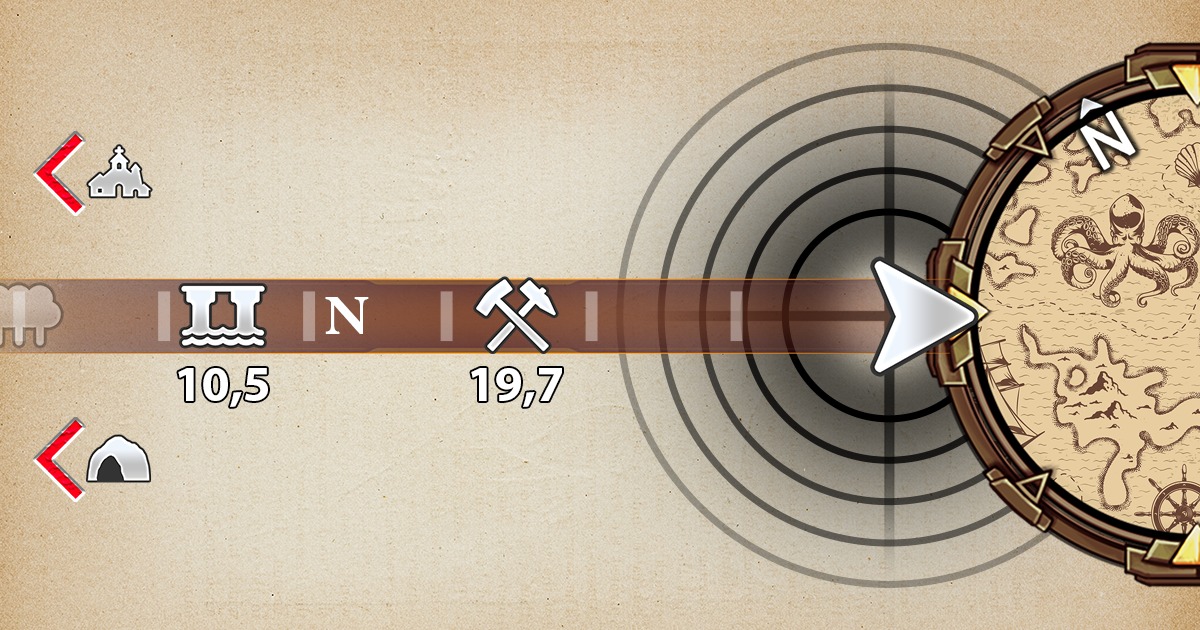
- Compass Bar.
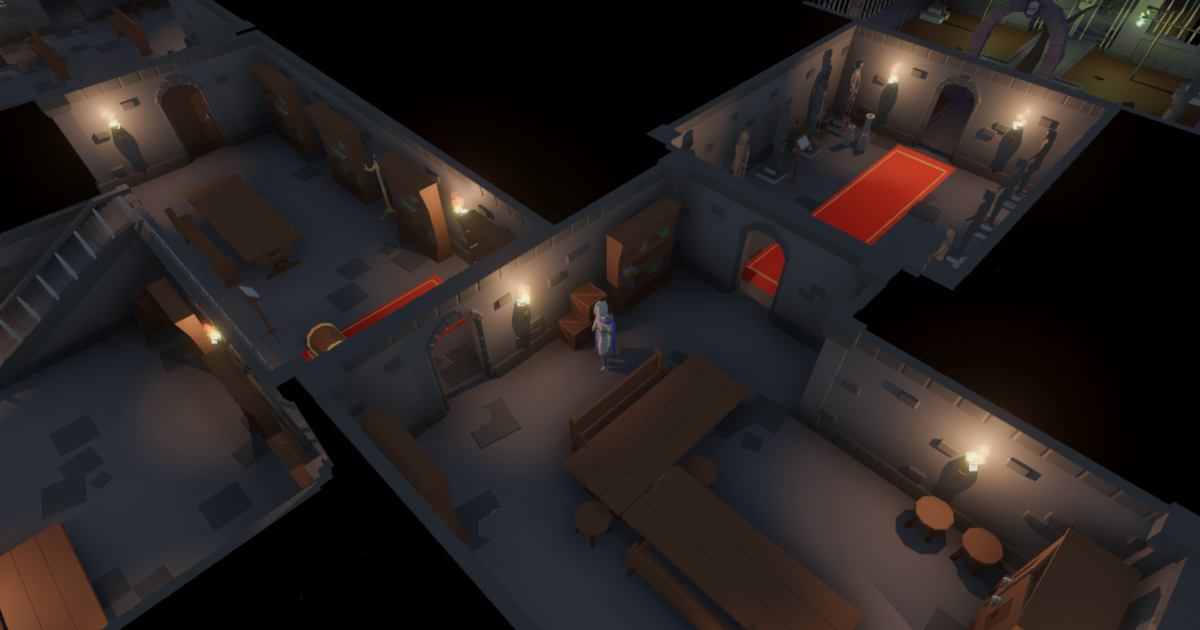
- Mini-map with fog of war and full-screen mode.
- Radar system with accurate ring distance.
- Target and off-screen indicators with anti-overlap system.
- Beacon/heartbeat effects.
Key Features:
- Easy to use: drag & drop Compass Navigator prefab to your scene and you’re ready to go. Enable and customize features from a centralized inspector. Add POIs (points of interest) to any location or gameobject adding the Compass Pro POI component. You can customize specific options for each POI.
- Complete with powerful options: every component comes with many extra options to give your UI a professional look, from curved compass bar to cone of view and LUT/color grading controls in your mini-map and much more.
- Interactive: the system comes with many game-ready features such as interactive mini-map (allows user to click or hover on POIs, enter full-screen map mode, zoom/pan around).
- Event system to react to location discovering (check manual), icon appearing/disappearing on the compass or mini-map, mouse over/clicks on minimap icons, ...
** Compass Bar **
Includes 14 ready to use designs: rounded, angled, celtic black and white, 4 fantasy, 6 sci-fi or just assign your own art to the inspector. Plus:
- 4 world-mapping modes: frustum, screen, 180 and 360 degree view.
- Customizable appearance: add your own art, ajustable position & size, supports bending (curved bars), edge fade out effect, alpha, automatic fade in/out.
- Supports cardinal and ordinal points plus procedural degree marks (ticks).
- High resolution icons with customizable behaviour (smooth fade in/out and scaling, visited vs non-visited icons, black and white variations).
- Can focus on one POI, making its icon always visible in the compass bar.
- Optional distance text under the POIs.
- Option to automatically hide the compass bar if no POIs are visible.
- Add your own icons or use the free high quality icons included in the asset: cave, city, dock, dungeon, forest, lighthouse, mine, monolith, palace, tower, generic.
** Revealing Text & Effects **
- Show optional title with location tips (above/below) and distance in meters for the centered POI in the bar.
- Show animated text under or on top of the compass bar when discovering new locations.
- Can play audio clips when locations are discovered. 5 high-quality sound clips are included.
- Can use two icon variations per POI, to differentiate unexplored and explored locations.
** Mini-Map **
Efficient mini-map system, uses smart snapshots to capture map only when needed. Highest performance.
- Includes 12 ready to use styles + custom: torn paper, solid box/circle, 6 fantasy, 3 sci-fi variations.
- Configure size, style, alpha, zoom range, camera snapshot mode and projection, zoom range, icons size, etc. Includes buttons for zooming in/out, maximize.
- Support of LUT textures for unlimited color customization.
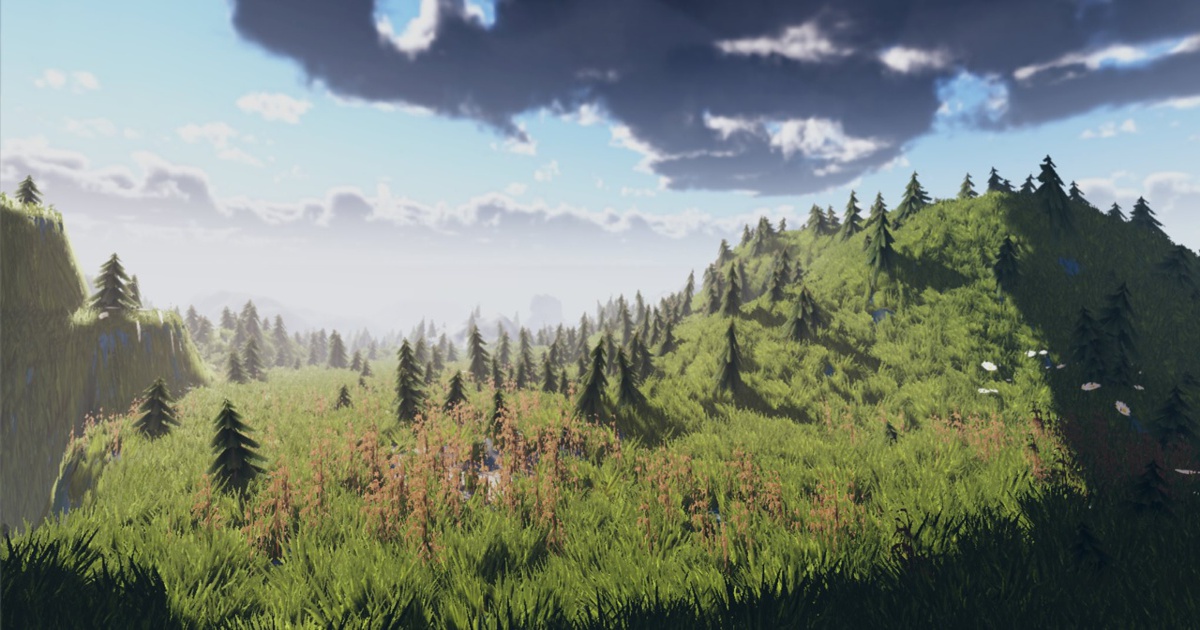
- Ability to show the real world view or a custom user map/texture.
- Can zoom/pan the contents.
- Full screen mode.
- Map icons with optional text overlay and cardinals.
- Can click on mini-map. Example included to add/remove POIs by user.
- Optional cone of view draws the fov of the player in the mini-map.
- Optional animated circle effect when POIs appear on the mini-map.
- Optional circle around POIs in the mini-map to illustrate area of influence or radius of search area.
** Fog of War **
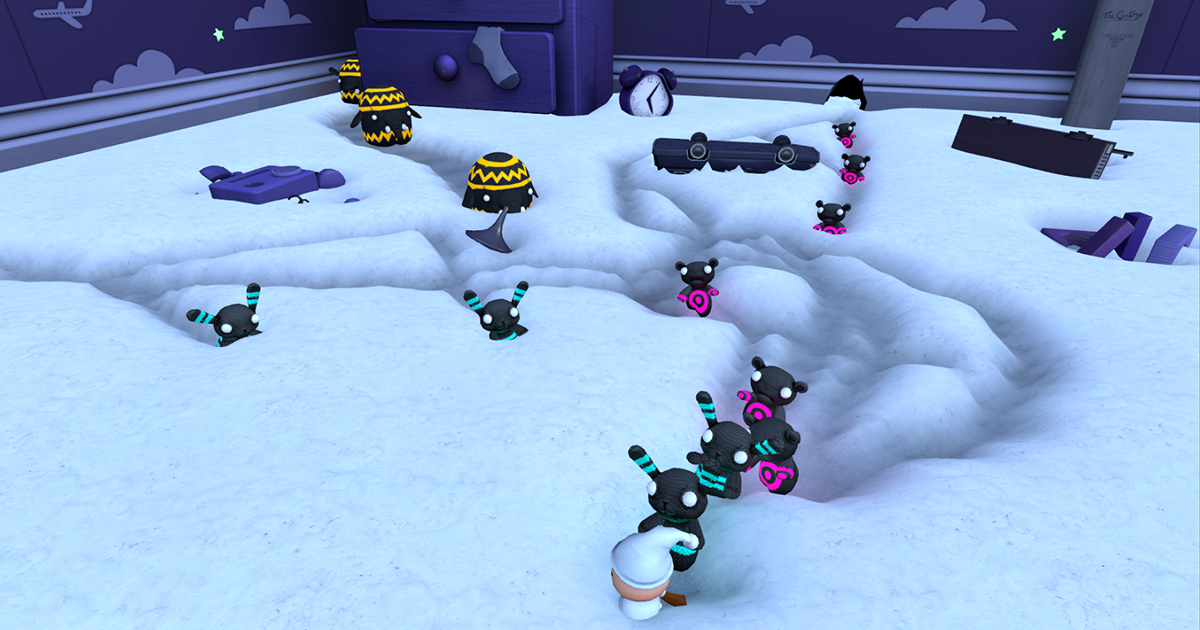
Occludes the non-explored areas in the mini-map. Option to automatically clear the fog as the player moves.
- Clear entire fog areas as player enters them based on fog volumes added to the scene.
** Radar **
Option to toggle the mini-map into radar mode which draws a procedural radar with accurate ring positions based on desired distance.
- Customize rings width, color, opacity and scale distance in meters.
- Optional scan animation effect with sample presets.
** Screen Indicators **
- Displays on overlay icon with optional title & distance over visible or in-range POIs.
- Option to display off-screen indicators. Anti-overlap system that stacks indicators on the edges to avoid cluttering.
Extras:
- Light Beacons! that briefly highlight a POI in front of your player by rendering a vertical beam from the POI to the sky.
- Heartbeat option: plays custom audio clip at variable interval rate based on distance.
- Supports multiple scenes (eg. existing POIs can preserve their visited state between scene changes).
Compatibility:
- Compatible with Built-in, URP and HDRP pipelines.
- Easy to extend or understand. Uses Unity UI system.
- Uses Text Mesh Pro.
- Documented API. Demo scene and manual included.
Upgrade Notice:
This version includes some breaking changes vs old Compas Navigator. If you're upgrading, please follow the upgrade instructions in the online guides.
Related assets:
- Compass Navigator Pro 2 is included in the RPG Adventurer Bundle.
Product documentation | Support Forum | Youtube Channel | kronnect.com
Even more cool assets!